
 Popular
 Games
Games



























Learn To Fly 3 Unblocked
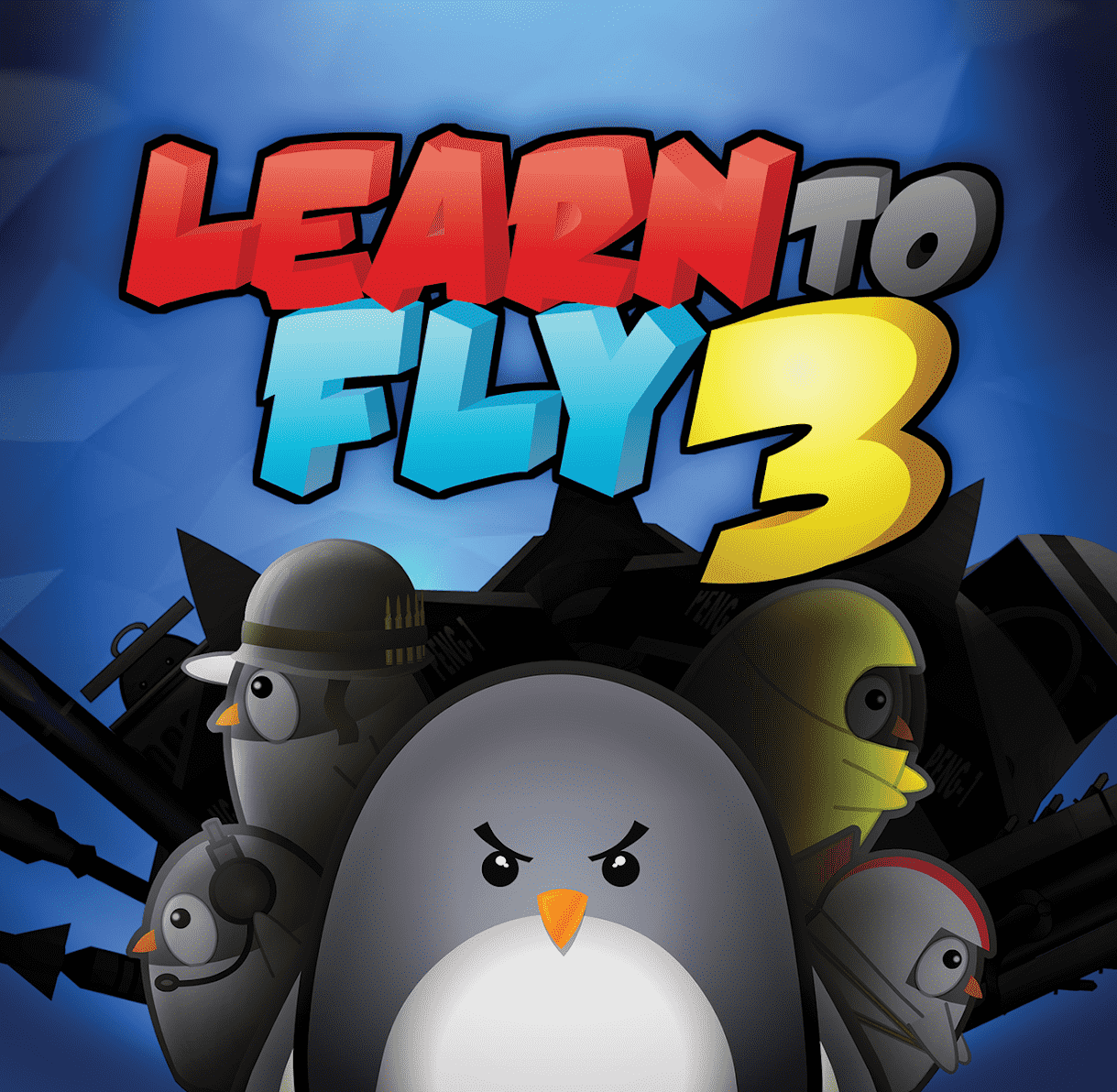
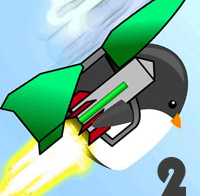
Learn To Fly 3 begins with a penguin on a launch pad and a simple goal: reach space. You build a rocket booster, ignite it, and watch your flightless friend hurtle upward. But you won't make it far on the first try—that's where the real game starts. Every flight earns currency based on altitude, distance, and landings. You spend that money to buy new bodies, fuel stages, and boosters, stack them onto your rocket, and launch again. This cycle of flight, earning, and upgrading is the entire game, and it stays engaging because each new component genuinely changes how high you can climb.
The physics feel authentic. Your rocket's weight, engine strength, and boost timing all matter. Upgrading boosts doesn't just add a number to a stat—it visibly changes your trajectory. A new fuel stage lets you coast higher. A better body reduces drag. The feeling of discovering that your new setup actually reached a height you thought impossible yesterday is what keeps you launching. Learn To Fly 3 respects your effort by making progress obvious and rewarding.
Learn To Fly 3 offers multiple game modes to vary how you approach the objective. Story Mode guides you through increasingly difficult challenges tied to an actual narrative. Payload Mode forces you to haul heavier cargo to specific heights, testing whether your setup handles the extra load. Classic Mode strips the story and lets you pursue your own limits. Sandbox Mode removes restrictions entirely, letting you experiment freely. Each mode reframes the upgrade system without changing the core loop, so you stay invested across many hours of play.
The strategic layer emerges naturally. Early on, buying any upgrade feels good. As you progress, you face real decisions: do you buy a cheaper engine now for a marginal boost, or save for the expensive stage that will double your altitude potential? Beginners often over-invest in redundant boosters; experienced players optimize by identifying bottlenecks in their current setup. Figuring out which weakness actually limits your flight height is the meta-game beneath the surface.
Session length stays flexible. A launch takes two minutes. You can start one, feel the improvement from your latest upgrade, and walk away satisfied. Or you can chain five more attempts, chasing one specific height threshold. The game never forces long stretches of grinding or waiting, so a browser tab open to Learn To Fly 3 remains genuinely optional, not demanding.
How to play Learn To Fly 3
Launch your penguin and note how high it climbs. Return to the hangar, spend your earnings on rocket upgrades, and launch again. Focus on identifying which component is your current ceiling—the engine, body, or fuel? Buy the upgrade that removes that single bottleneck. Repeat this cycle. Mission goals appear throughout Story Mode; complete them for bonus currency. Experiment in Sandbox if you want to test what an upgrade path feels like without resource constraints.
Controls
Desktop: Use the left and right arrow keys to tilt your rocket during flight. Press Space or W to activate boosts. A and D can also rotate your rocket. Menus use the mouse for upgrades and hangar management.
Play Learn To Fly 3 unblocked at school
Play Learn To Fly 3 unblocked right here: the game loads in your browser with no install required. School Chromebooks, library PCs, shared computers — if it has a browser, it plays.
Similar games on Pizza Edition
- Learn To Fly is the original penguin-flight classic that started the series, featuring the same launch-and-upgrade loop with earlier mechanics.
- Jetpack Joyride shares the sprint-and-upgrade structure where each run earns currency for gear that changes your next attempt.
- Adventure Capitalist strips away action entirely but preserves the core upgrade loop: earn, buy, repeat, watch numbers climb higher.
What is the goal of Learn To Fly 3?
The ultimate goal is to reach space with your penguin and rocket. Story Mode sets specific altitude and mission targets along the way. Classic Mode lets you pursue your own record. The game is technically "won" once you touch the space boundary, but most players keep playing to see how much farther they can go, hunting for higher scores and complete upgrade collection.
Does Learn To Fly 3 work on mobile?
Learn To Fly 3 plays best on desktop with full keyboard controls for precise rocket tilting. Mobile browsers can run the game, but touch controls may feel less responsive for flight maneuvers. Hangar menus work fine on phones and tablets, so upgrading is smooth anywhere. Performance varies by device and browser.