
 Popular
 Games
Games



















Paper.IO 2 Unblocked

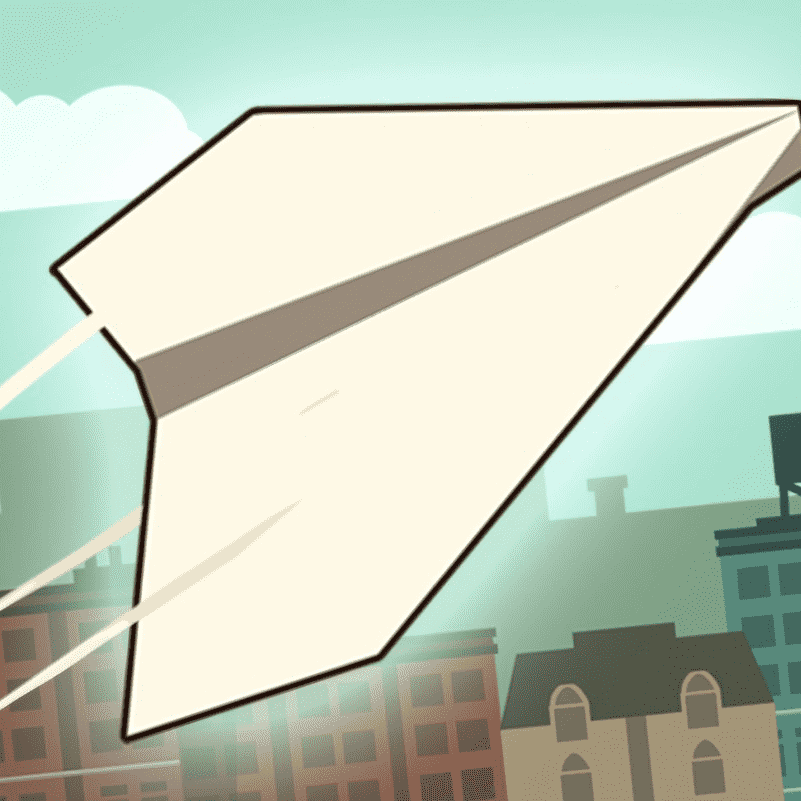
Paper.IO 2 is a competitive territory-control .io game where you race against opponents to claim as much of the arena as possible. Your objective is simple: expand your colored territory by painting new areas, but every move carries risk. When you venture outside your safe zone, your tail becomes exposed to enemies who can eliminate you completely. The balance between aggressive expansion and defensive caution is what makes Paper.IO 2 genuinely tense—one careless overextension can cost you everything.
The core mechanic is elegant. You paint a trail as you move across empty space or opponents' territory. Complete a closed loop back to your colored zone, and everything inside that loop becomes yours. It sounds straightforward, but multiplayer chaos makes execution difficult. Other players are doing the same thing, creating a fast-paced puzzle where you must read the map, spot weak defenses, and strike before enemies notice your expansion. The 3D arena is large enough that strategy matters—you can claim safer perimeter areas to grow steadily, or hunt aggressively for quick territory gains.
Paper.IO 2 rewards patient observation over reckless speed. Many new players fail by overextending too far from their base, leaving their exposed tail vulnerable to collision. The key is recognizing when you have room to expand safely and when to retreat to secure your gains. As you learn the map and your opponents' patterns, you realize that steady, calculated expansion beats constant aggression. Each match teaches you something about reading space and timing your moves correctly.
The multiplayer format keeps matches dynamic. You might control 60% of the map one moment and lose half your territory in seconds when an opponent cuts through your exposed lines. This constant swing between dominance and danger prevents the game from feeling repetitive. Every decision—when to expand, which direction to push, whether to attack or defend—matters immediately.
How to Play Paper.IO 2
Use your mouse or keyboard to move your character across the arena. Paint trails as you travel, and close those trails by returning to your own territory to claim new land. Avoid colliding with other players' tails while they're exposed, and prevent them from cutting through your own lines. The player who controls the most territory when the timer runs out wins. Start near your base with small, safe expansions, then look for opportunities to steal territory from careless opponents.
Controls
Desktop: Use your mouse to move your character, or press WASD or arrow keys to navigate the arena and paint territory.
Tips & Strategy
- Always have a clear path back to your safe zone before extending too far.
- Watch where opponents are moving and cut through their exposed tails when they overextend.
- Claim the map perimeter first to minimize exposure and create a strong base.
- In the final seconds, prioritize holding what you have over risky expansion.
Play Paper.IO 2 unblocked in your browser
You can play Paper.IO 2 unblocked on this page without downloading anything. Because it runs fully in the browser, it also works on school Chromebooks and other restricted networks.
Similar games on Pizza Edition
- 1v1.LOL is a competitive arena battle game with fast-paced PvP action and split-second decisions.
- Tag is a multiplayer chase game that shares the same cat-and-mouse tension of exposure versus safety.
- Ducklings io is another .io game combining multiplayer competition with territory and area control mechanics.
Who created Paper.IO 2?
Paper.IO 2 was developed by Voodoo, the studio behind many popular .io and casual mobile games.
Can I play Paper.IO 2 on mobile and desktop?
Paper.IO 2 is fully playable in your web browser on both desktop and mobile devices. Mouse controls work best on desktop, while mobile versions use touch-based steering. The game adapts well to different screen sizes, so you can enjoy it on phones, tablets, or computers.