 Popular
 Games
Games






TABS Unblocked
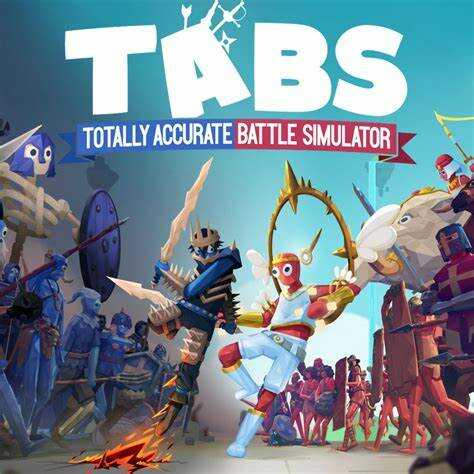
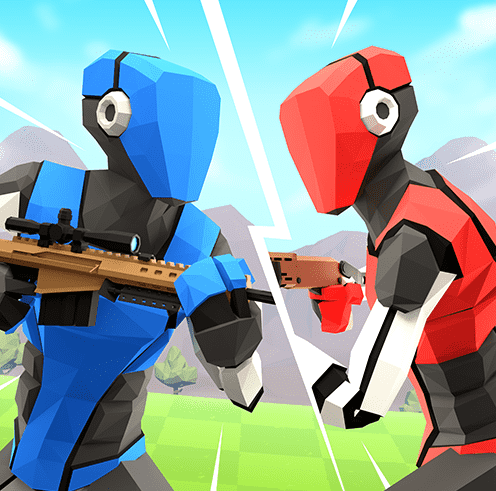
TABS is short for Totally Accurate Battle Simulator, a physics-based tactics sandbox where you place ragdoll-physics units on a battlefield and then watch — rather than directly control — the chaos that follows. Instead of skill-based reflexes, the game is about drafting an army within a budget and setting it against an opposing army, with combat resolved entirely by wobbly, exaggerated physics once the fight starts.
The loop revolves around a unit budget for each battle: you buy soldiers, archers, cavalry, siege weapons, and increasingly absurd units (this being TABS, that includes things like giants and boxing kangaroos) and place them anywhere on your side of the map before combat starts. Once you hit play, you can't reposition units mid-fight in the core campaign mode — the outcome depends entirely on your pre-battle planning, unit counters, and positioning.
Mechanically, the game rewards understanding unit counters more than raw army size: cheap spearmen can shred cavalry charging in a straight line, archers melt slow melee units if given a clear line of sight, and high ground consistently gives ranged units an advantage because the physics engine lets projectiles arc further downhill. Flanking matters a lot too, since most units only actively fight what's directly in front of them, so a small group looping around the side of an enemy formation can rout units many times its cost.
A useful habit is to not overspend on your flashiest unit — the campaign and sandbox modes both reward efficient budget use, and a handful of cheap, well-placed units usually outperforms one expensive "hero" unit standing alone. It's also worth testing formations before a hard level: since the physics are consistent, replaying a losing battle with units repositioned (rather than replaced) is often enough to flip the result.
How to play TABS?
Use the mouse to select units from your roster, place them anywhere on your side of the map within your budget, and click to start the battle. Watch how each unit type performs against others — spearmen counter cavalry, archers need a clear sightline, and flanking a formation from the side is usually stronger than a head-on charge. Reposition and retry if a battle goes badly; the physics stay consistent, so a smarter layout is often all it takes to win.
Controls
Desktop: Use the mouse to place units and start the battle.
Is TABS unblocked?
Yes — TABS is unblocked here and loads straight in your web browser. There's no installer and no extension to add, so it works on school or library computers where downloads are blocked.
Similar games on Pizza Edition
- Tiny Fishing is a compact progression game that stays compelling because upgrades clearly change each run.
- Run 3 is a long-running platform favorite built around momentum, route reading, and repeat attempts.
- Monkey Mart is a management game where small efficiency upgrades steadily transform the whole loop.
Who created TABS?
TABS was created by Landfall.
Can I play TABS on mobile devices and desktop?
TABS runs in your browser on desktop. Mobile support depends on the embedded version and how well its controls translate to touch devices, so performance and usability can vary between phones, tablets, and computers.